Photo Editing Tips for Travel Photography
Table of Contents
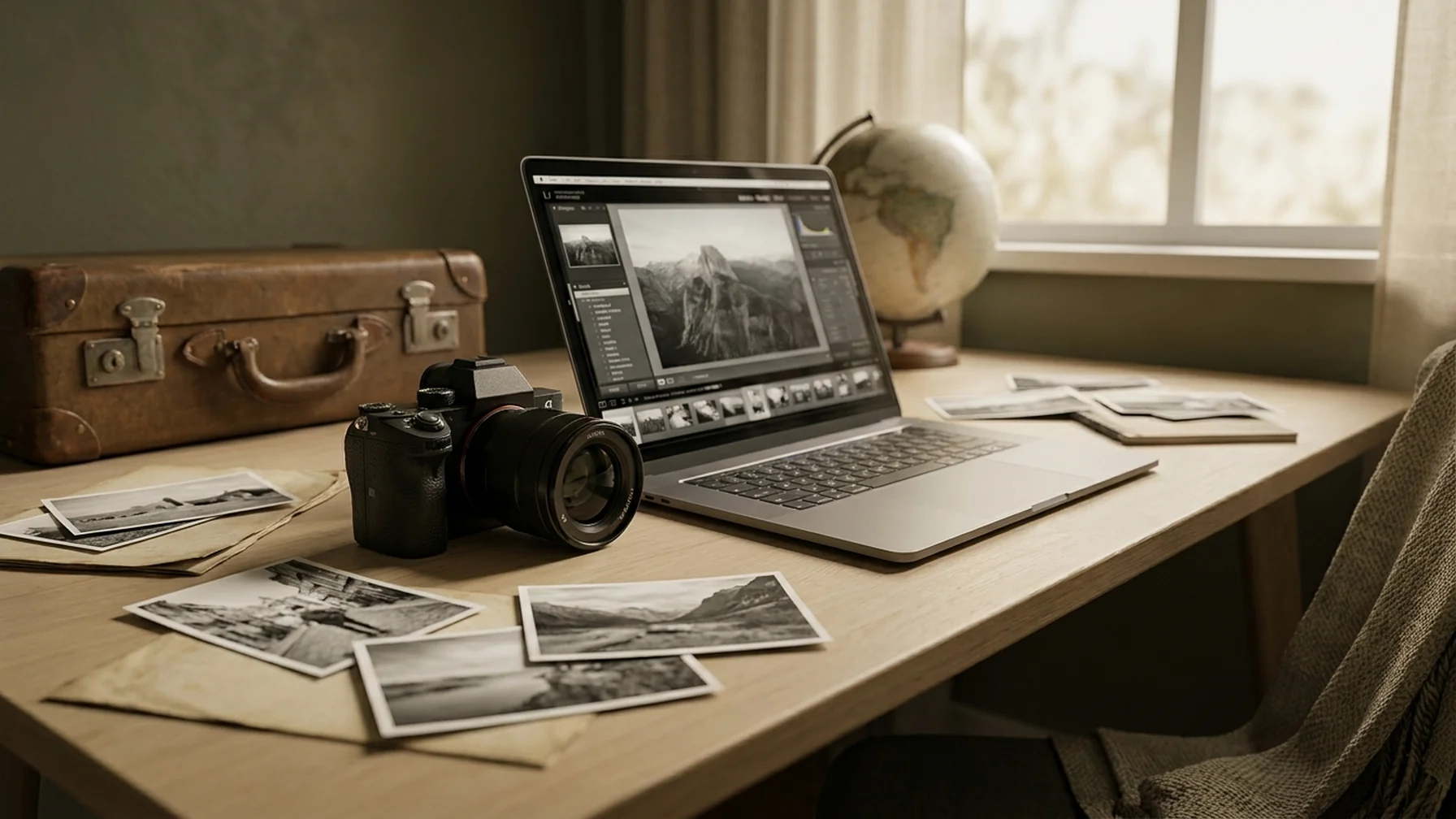
Travel photography captures the world's beauty and tells stories of adventure. To bring these stories to life, effective photo editing is essential. Whether you're a seasoned traveler or just starting out, these photo editing tips can help elevate your travel shots to a professional level. With the right techniques, you can transform your photos into stunning visuals that highlight the essence of your journeys. Understanding the basics is key to getting started, but there's much more you can do to enhance your travel photos. From selecting the best software to mastering advanced editing techniques, this guide will walk you through the essential tips to elevate your photography skills.
Understanding the Basics of Photo Editing
Before diving into advanced techniques, it's important to grasp the basics. Photo editing involves adjusting elements like brightness, contrast, and color to enhance the overall image. For example, increasing the brightness can make a dull image look more lively, while adjusting the contrast can add depth and dimension. Familiarizing yourself with these elements is the first step toward creating stunning travel photos. Once you understand these fundamentals, you can experiment with more advanced techniques.
Start with the Right Software
Choosing the right photo editing software is crucial. While there are many options out there, a few stand out for travel photography:
- Adobe Lightroom: Offers comprehensive tools for both beginners and professionals. Its user-friendly interface makes it easy to manage and edit large batches of photos.
- Snapseed: A free, user-friendly app perfect for quick edits on the go. Its intuitive controls make it ideal for travelers who want to edit photos directly on their mobile devices.
- Photoshop: Best for detailed edits and creative adjustments. Photoshop allows for complex edits, including the use of layers and masks to refine your images.
Each software has its strengths, so pick one that suits your editing style and needs. For example, if you need quick edits while traveling, Snapseed might be your best bet. However, for more detailed work back home, Lightroom or Photoshop could be more suitable.
Enhance Your Photos with Basic Adjustments
Once you have your software, start with basic adjustments. These simple tweaks can make a huge difference in the quality of your photos:
- Adjust Exposure: Ensure your photo isn't too dark or too bright. Adjust the exposure to achieve the right balance. For instance, if your photo is overexposed, reduce the exposure to bring back details in bright areas.
- Tweak Contrast: Enhance the difference between light and dark areas to add depth. This can make your images look more dynamic, especially in scenes with complex lighting.
- Balance Whites and Blacks: Fine-tune these to prevent loss of detail in shadows or highlights. Adjusting these can help recover details lost in the brightest and darkest parts of the photo.
- Correct the Color: Use white balance to ensure colors appear natural. If your photo has a color cast, adjusting the white balance can help make the colors appear true to life.
These steps will help you create a solid foundation for further edits. Basic adjustments are often all that's needed to turn a good photo into a great one.
Use Cropping to Improve Composition
Cropping can significantly improve the composition of your travel photos. By trimming unnecessary elements, you can focus on the subject and create a more compelling image. Consider using the rule of thirds to position your subject off-center, adding interest and balance. For instance, if you have a photo of a landmark, cropping out distractions can help emphasize its grandeur.
Mastering Color Grading
Color grading involves altering or enhancing the color of an image. It's especially useful in travel photography to evoke certain moods or highlight specific elements. Here are some tips:
- Warm Tones: Use these to create a cozy, inviting feel, perfect for sunset scenes. For example, adding a warm tone to a sunset photo can enhance the colors of the sky.
- Cool Tones: These can enhance images of water or mountainous landscapes by adding a sense of calm and tranquility. Applying cool tones to a photo of a lake can make the water appear more serene.
- Saturation and Vibrance: Increase these to make your colors pop, but be careful not to overdo it. Over-saturation can make colors look unnatural, so aim for a balanced approach.
Experiment with different settings to see what best captures the essence of your travel destination. The right color grading can bring out the mood and atmosphere of your photos.
Sharpen Your Images
Sharpening helps enhance the details in your photos, making them appear more crisp and clear. However, too much sharpening can introduce noise and distortions. Apply sharpening sparingly and focus on areas that require it most, such as the main subject or points of interest. For example, if you're photographing a building, sharpening the edges can make the structure stand out.
Utilize Filters for Creative Effects
Filters can add a creative touch to your travel photos. They can simulate the look of vintage film, emphasize certain colors, or create dramatic effects. While filters are fun to use, remember that less is often more. Subtlety ensures your photos remain tasteful and true to the original scene. For instance, a slight sepia filter can give a nostalgic feel to a photo of an ancient ruin.
Advanced Editing with Layers
For those comfortable with basic edits, layers offer a powerful way to work on specific parts of an image without affecting the whole. This technique is particularly useful for:
- Selective Adjustments: Make changes to specific areas, like brightening the sky or enhancing the subject.
- Compositing: Combine multiple images to create unique effects or add elements to your scene.
Layers provide flexibility and control, allowing for more complex edits while preserving the original image. For example, you can use a layer to adjust the color of the sky in a landscape photo without altering the rest of the image.
Common Mistakes and How to Avoid Them
Even seasoned photographers can fall into common editing traps. Here are some mistakes to watch out for:
- Over-editing: It's easy to get carried away with editing tools, but too much can make photos look unnatural. Always aim for subtle enhancements.
- Ignoring the Original: Sometimes the best edits are those that enhance, not transform, the photo. Preserve the natural beauty of the scene.
- Neglecting Backup: Always save a copy of the original photo. This ensures you can revert changes or try different edits without losing the original.
Avoiding these pitfalls can help maintain the integrity of your travel photos and keep them looking authentic.
Conclusion: Practice Makes Perfect
The key to mastering photo editing is practice. Each travel photo presents unique challenges and opportunities to improve your skills. Experiment with different techniques, explore your software's capabilities, and most importantly, have fun with the creative process. With time, your photo editing skills will enhance your travel photography, making your photos as memorable as your adventures.